

Netflix has more than 8000 titles on its platform and continues to add hundreds every year… So the average user can easily get lost in the sea of content.
That’s why the platform has a feature called recommendations. However, the recommendation system often misses the mark and can start showing you stuff you don’t want to watch in the first place!
But, the good news is that you can actually get better recommendations on Netflix… And in this guide, we will show you how to train Netflix to start showing you content you actually want.
6 Tips To Get Better Recommendations on Netflix
Don’t like the type of content the Netflix algorithms are showing you? No problem at all… Here’s a list of easy tips to start getting better recommendations today:
1. Create a Separate Profile for Each Viewer
One reason why the recommendations feel inaccurate is shared viewing. Here’s the thing: Multiple people using the same profile gives mixed signals about your overall viewing habits.
The solution? Create a separate profile for each person who will be using the Netflix accounts. With this simple trick, the recommendations will improve and start to reflect individual interests.
Right now, the best option to get a premium Netflix account is via U7BUY. You can get shared/private accounts at affordable rates, and also create separate profiles!
2. Rate What You Watch
Not many people know this but Netflix allows users to give feedback on movies and shows. A user can tell whether they like something or not by using the Thumbs Up or Thumbs Down buttons.
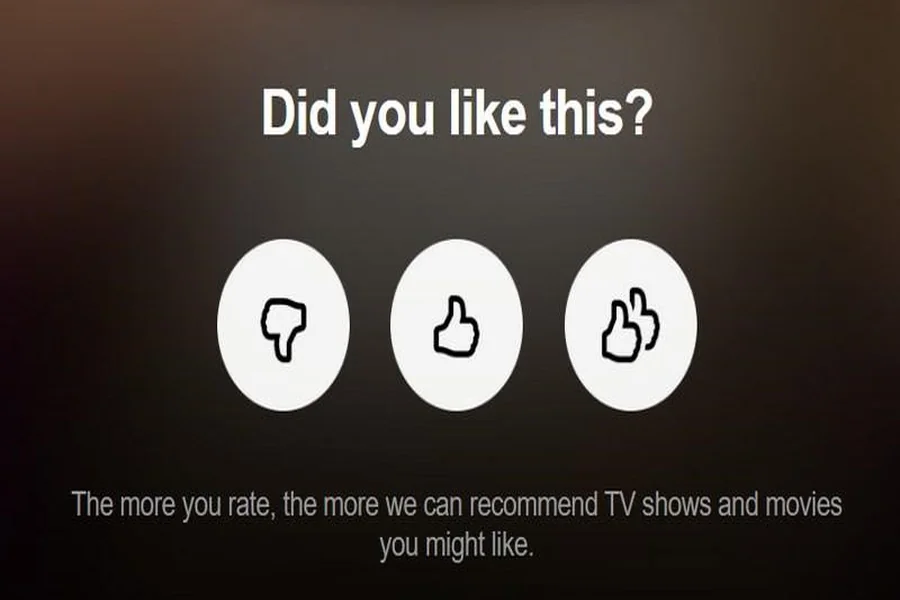
So, make a habit of using the ratings system to help the system understand what you like. Doing this will directly influence the future recommendations offered by Netflix.
If you absolutely love a title, then give it double thumbs up. For content that’s likable and matches your taste, just one thumb is okay. Similarly, use the thumbs down to tell the algorithm about what you dislike.
Keep doing this for everything you watch and before long you will notice the suggestions have started to match your interests.
3. Clean Up Your Viewing History
If you think about it, the recommendations reflect what you watch… So, if you have watched things you don’t like by accident or someone else watched via your account, then that’s a problem!
The good news is that you can easily clean up your viewing history and help the algorithm. This simple trick ensures that Netflix will not suggest irrelevant content in the future.
And if that doesn’t work or your viewing history is messed up beyond saving, then you can always create a new profile. This will give you a fresh start and make it easy for the algorithm to generate accurate suggestions.
To clean the history, go to Profile > Account. From there, go to Profile & Parental Controls and select your profile. Next, click on viewing activity and click on Hide icon for each title or choose Hide All to clear everything.
4. Protect Your Profile
If you are in a shared household or share the account with others, you just can’t tell others to stop using your profile! And by now, you would already know that this activity can mess up the recommendations.
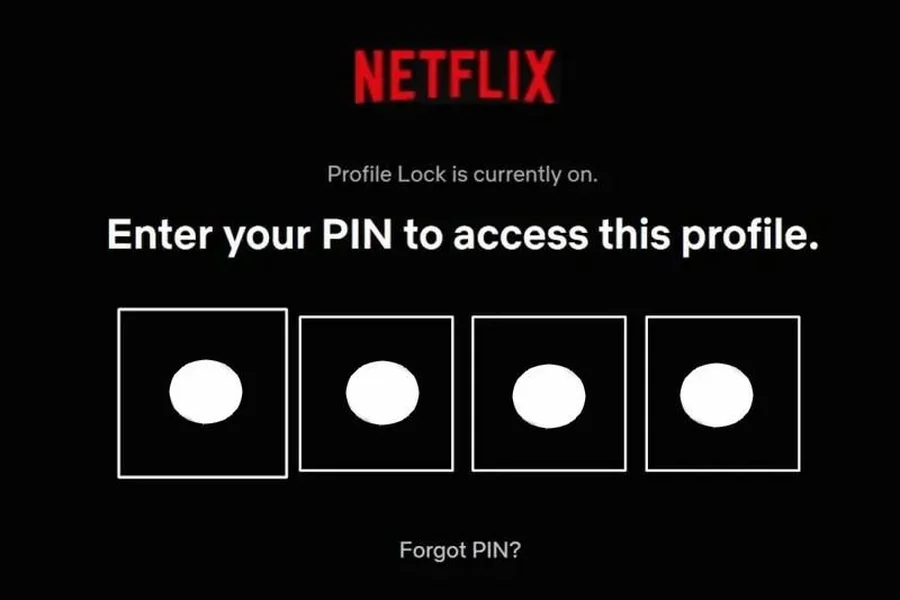
But, you can easily protect your profile by adding a PIN… This simple step ensures that only your viewing habits are used to shape the suggestions.
Here’s how to set a profile PIN:
- From the Netflix app or website, open the Account Settings.
- Select your Profile and then choose Profile Lock Settings.
- Enable the lock by creating a 4-digit PIN.
After that, a PIN will be needed to access your profile which will keep your recommendations accurate & consistent.
5. Stop Watching Content You Dislike Early
You may not know this but Netflix pays close attention to how long you watch a show or movie. When you continue to watch something you do not enjoy, it signals interest even if you are watching out of boredom or curiosity.
So the next time you watch something and it doesn’t interest you, then stop as early as you can… This signals that you don’t like the stuff (& Netflix will not recommend more titles like this).
You can try new genres or shows, but just don’t watch them completely if you are not enjoying them. The key is to exit early to help Netflix learn what truly matches your taste.
6. Set Maturity Level and Language
Another tip to improve recommendations is to adjust the maturity level. The default settings are too broad which can result in content that does not match your interests.
The language preference also impacts the content that is recommended to you. This includes audio language, interface language, and even the subtitle settings.
Here’s how to set the language and maturity level:
- Go to Account > Profile & Parental Controls.
- Choose your profile and then change the viewing restrictions.
- Similarly, the Languages setting is also in the Profiles & Parental Controls.
- So, select it and also choose the preferred audio & subtitle languages.
